
How to Edit Employee Timesheets
Fix a clock-in or clock-out time when an employee forgot to punch or punched at the wrong time.
Find the shift
1. Go to User Management → Force Punch In/Out.
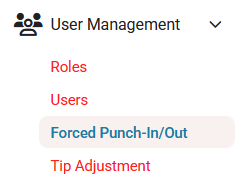
2. Select the employee and the date of the shift, then click Apply.

3. Click the pencil icon next to the shift you want to fix. Alternatively, click on + Time Event to register a shift if the employee forgot to clock in.
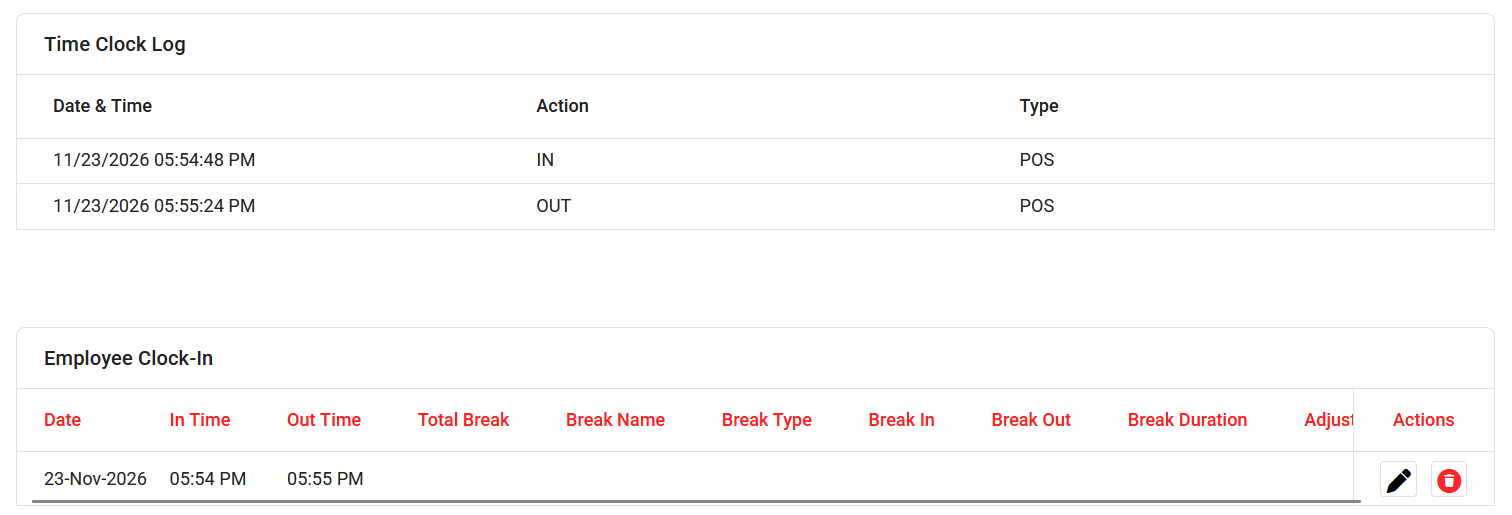
4. If the employee has more than one role, select the role to change it to the correct one if necessary. Click on Check In Date/Time or Check Out Date/Time to correct it.
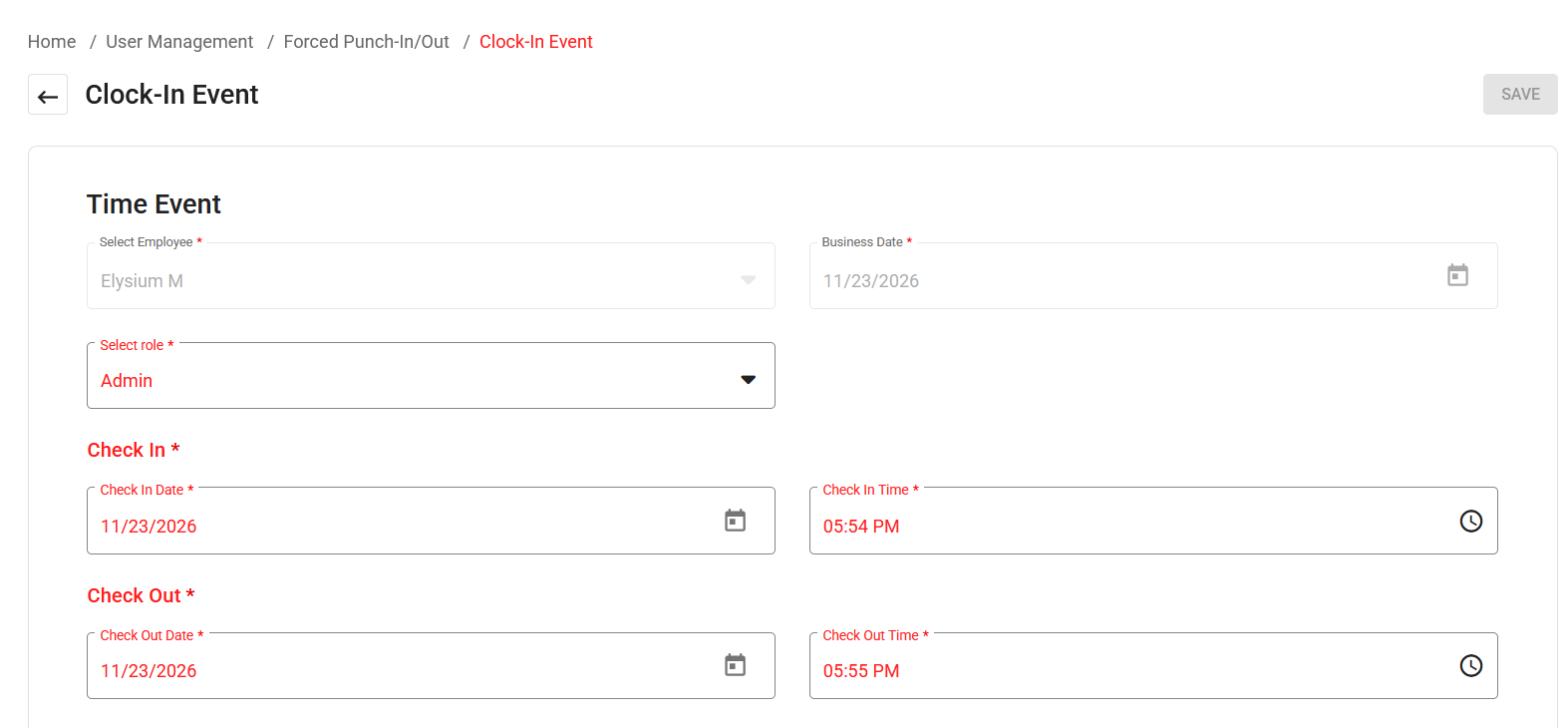
5. Click Save on the top right corner to save the changes.
Fix the time
Clock-out time: change Clock Out Time to when the employee actually left.
Clock-in time: change Clock In Time to when the employee actually arrived.