
How to Create a Menu Category
Categories group your menu items, like Appetizers, Entrées, or Drinks.
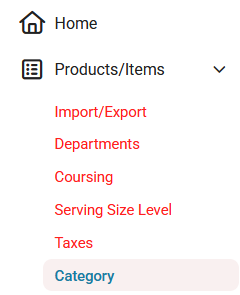
1. Go to Products/Items → Categories.
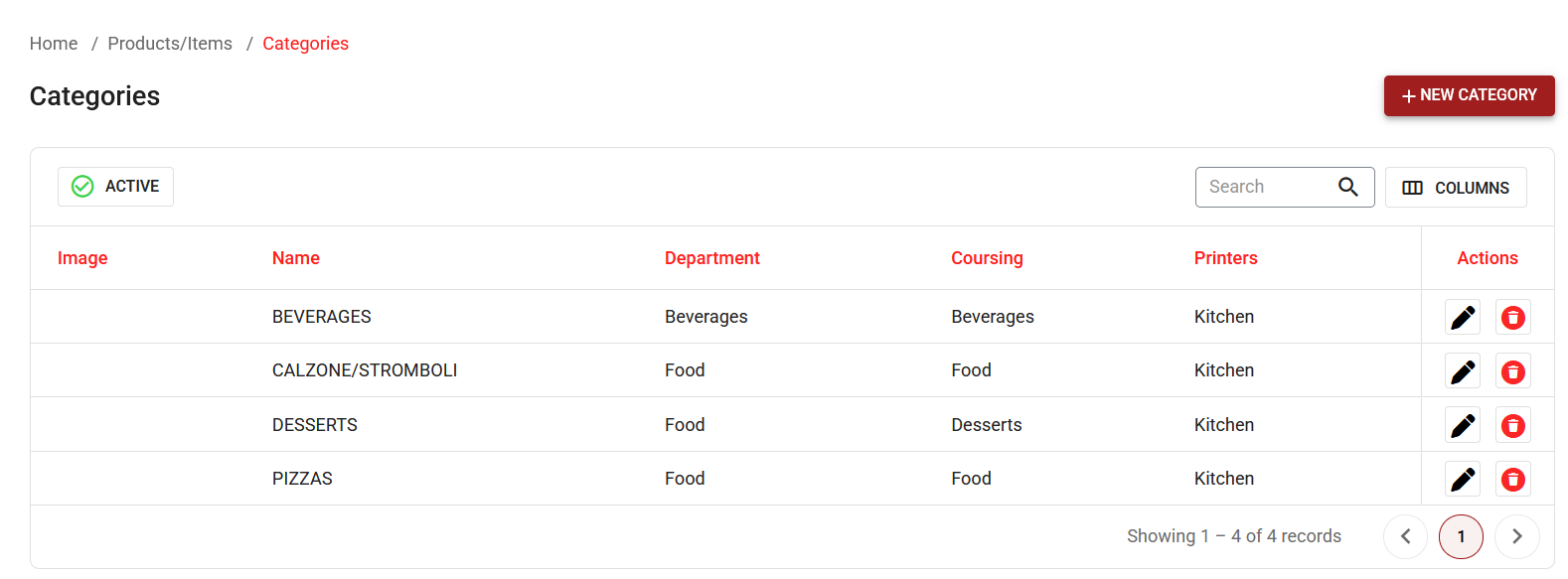
2. Click + New Category.
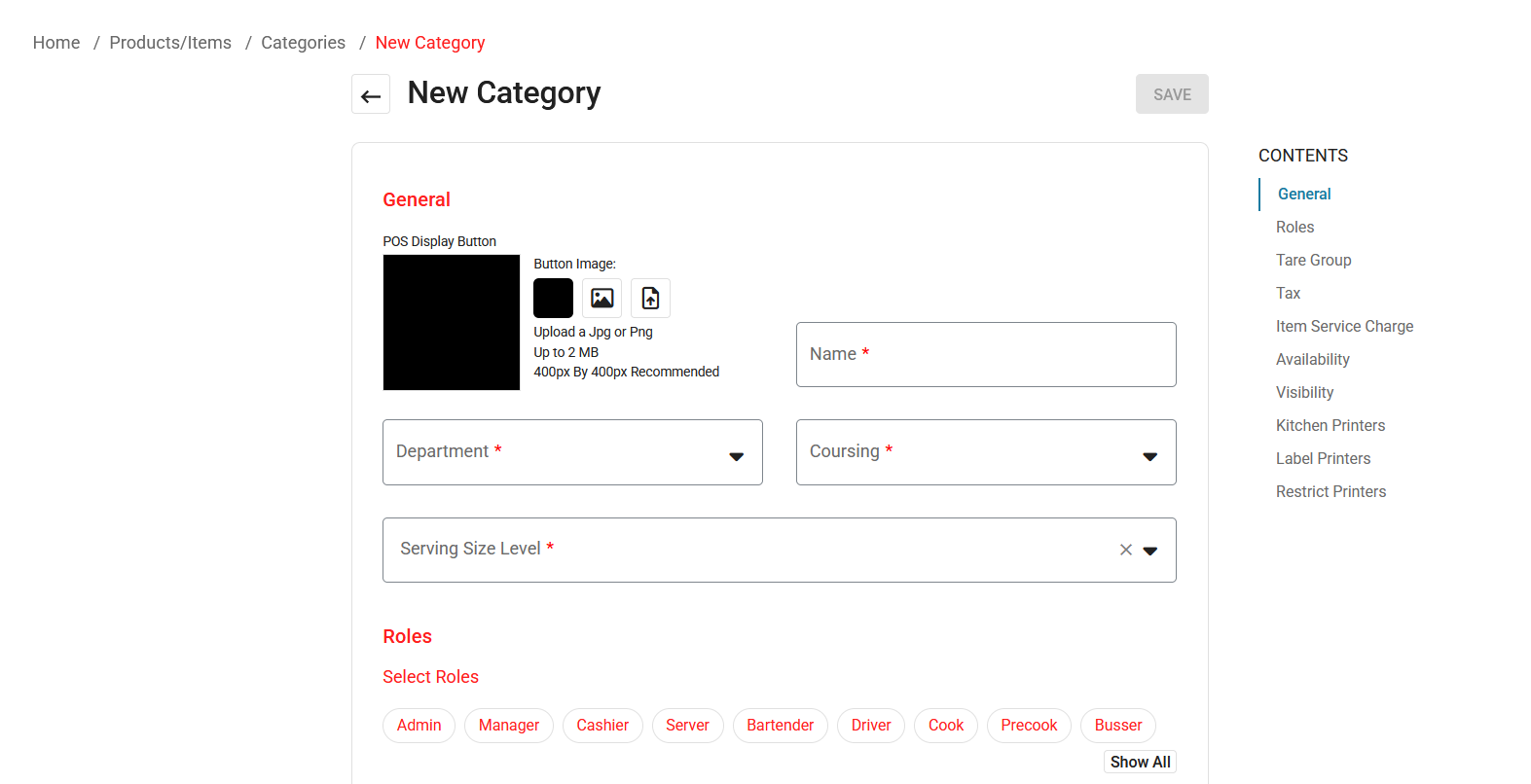
3. Fill in the category details:
Name
Department: where this category's sales are reported
Coursing: which course the category belongs to
Serving Size Levels: every serving size the items in this category might use
Roles: who is able to place an order from this category
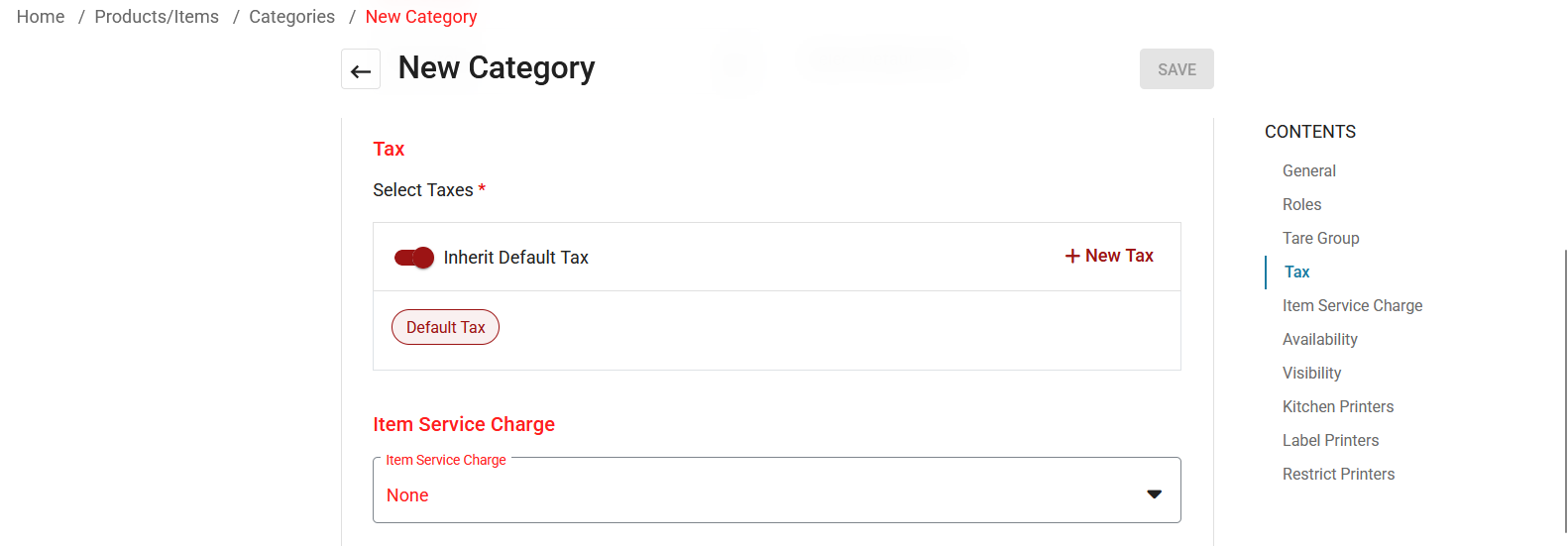
4. Set up Tax (mandatory) and/or Item Service Charge (optional).
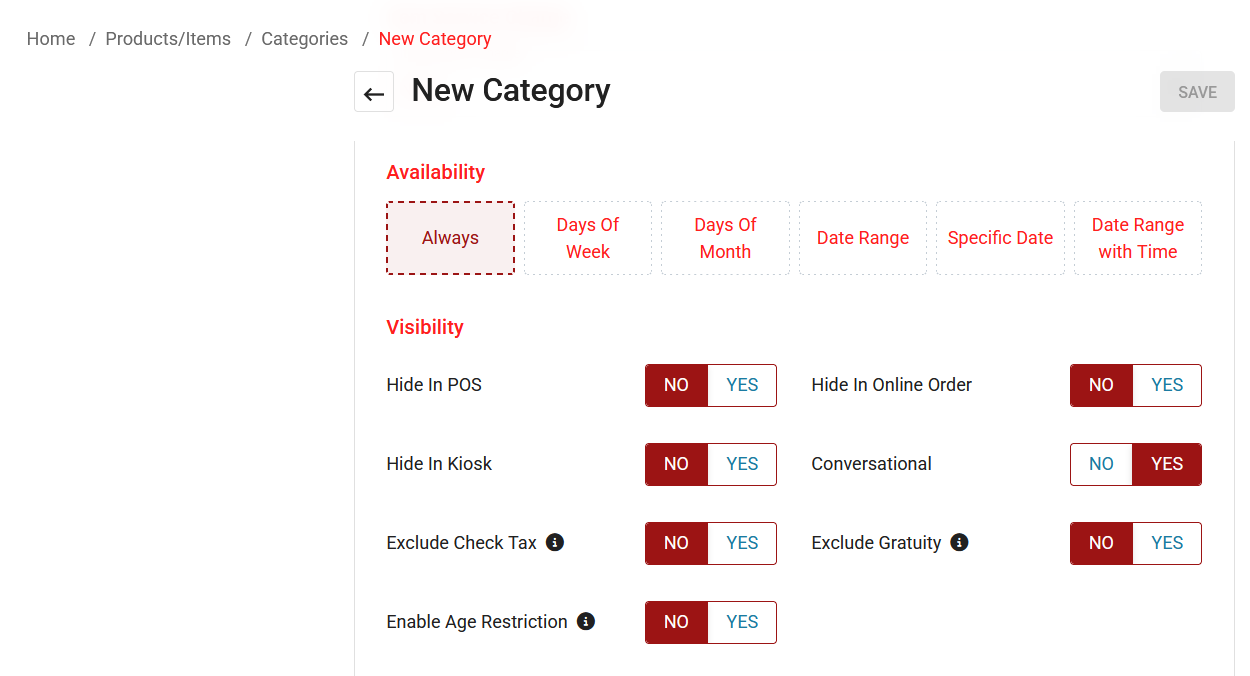
5. Set up Availability and Visibility.
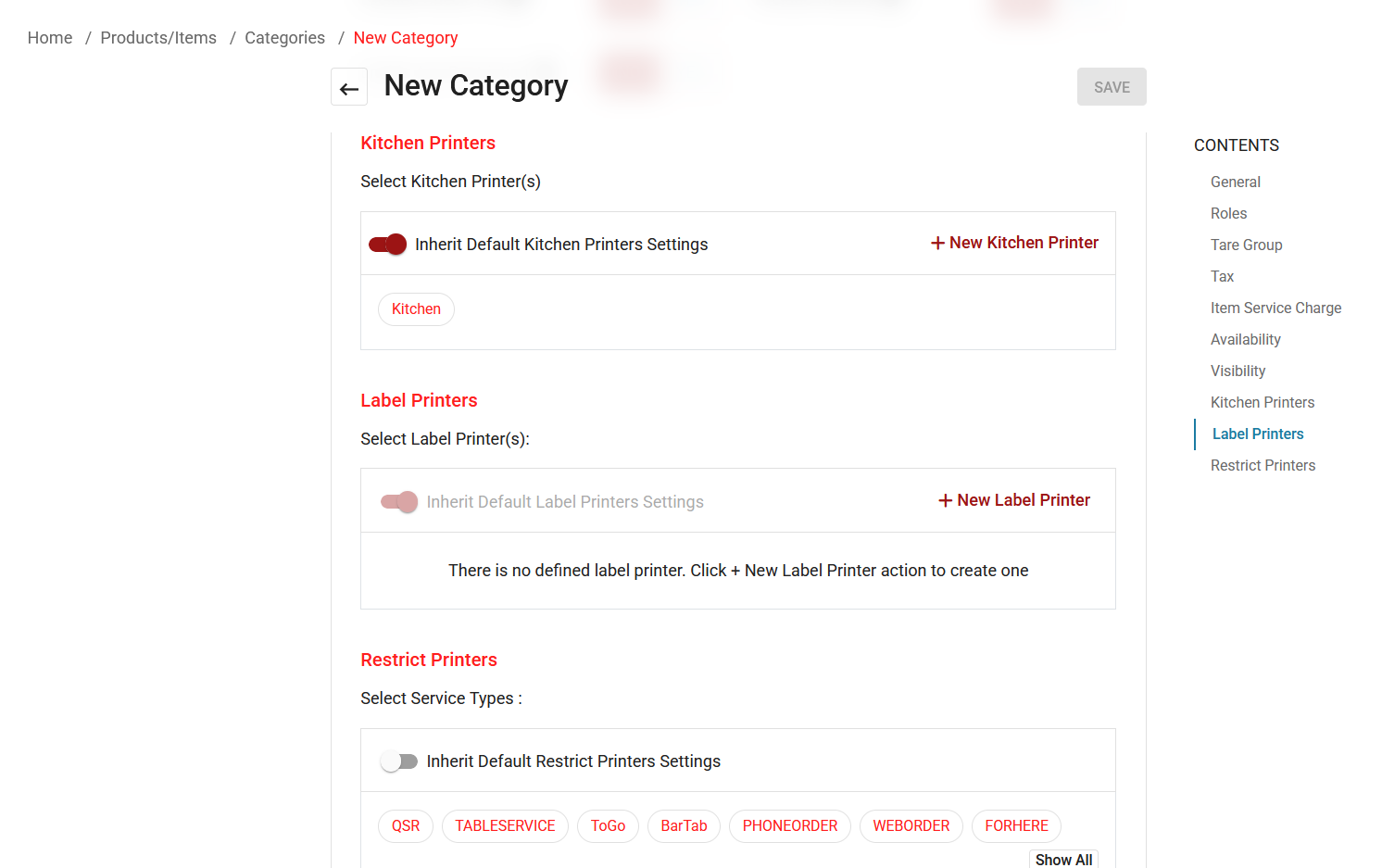
6. If needed, set up the category for specific printers.
7. Click Save. You'll see a confirmation that the category was saved.
⚠️ Add every serving size now.
If a serving size isn't added to the category, you won't be able to choose it when you create an item later.