
How to Create a Modifier
How modifiers work:
A modifier is a single option, like Bacon or Extra Cheese. A modifier group bundles modifiers together, like Pizza Toppings. You attach the group to a menu item as mandatory (the server must pick one) or optional.
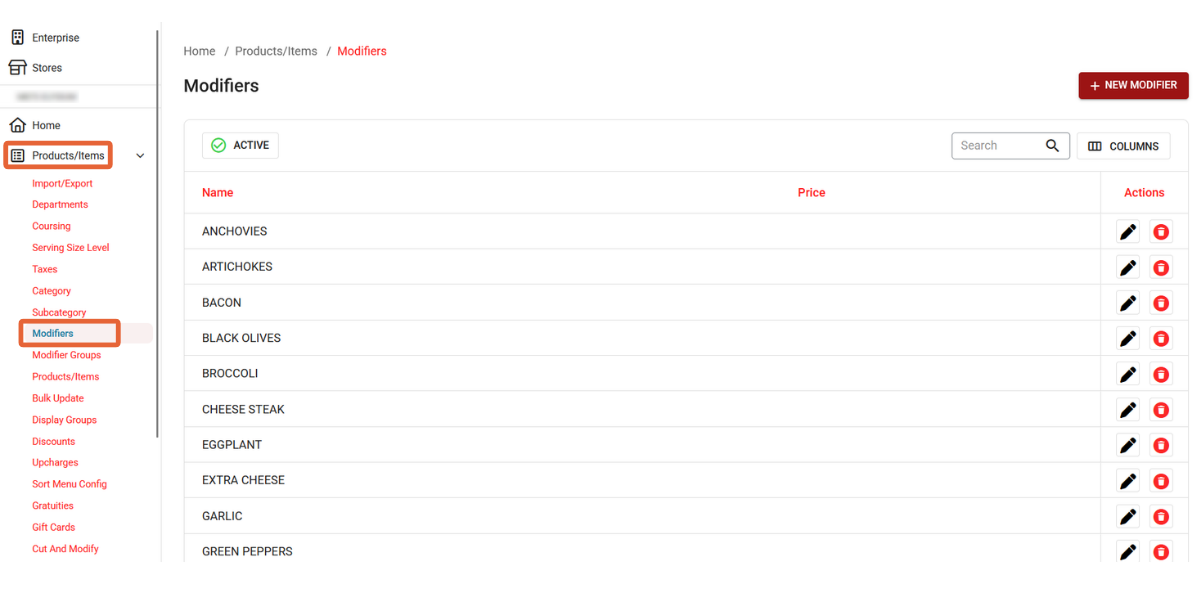
1. Go to Products/Items → Modifiers.
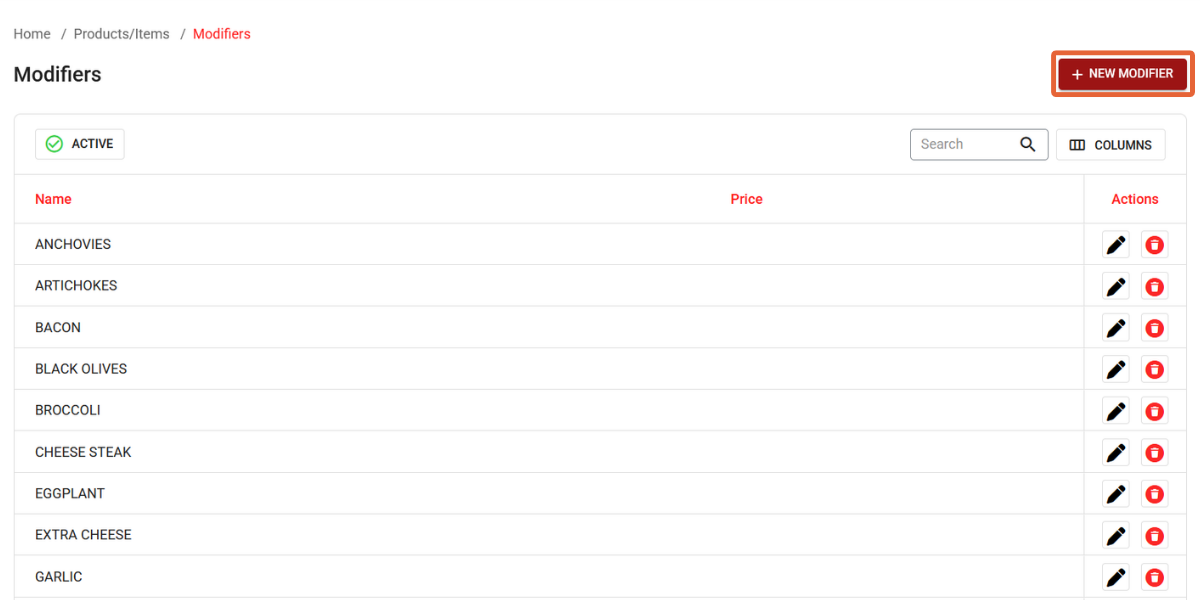
2. Click + New Modifier in the top right.
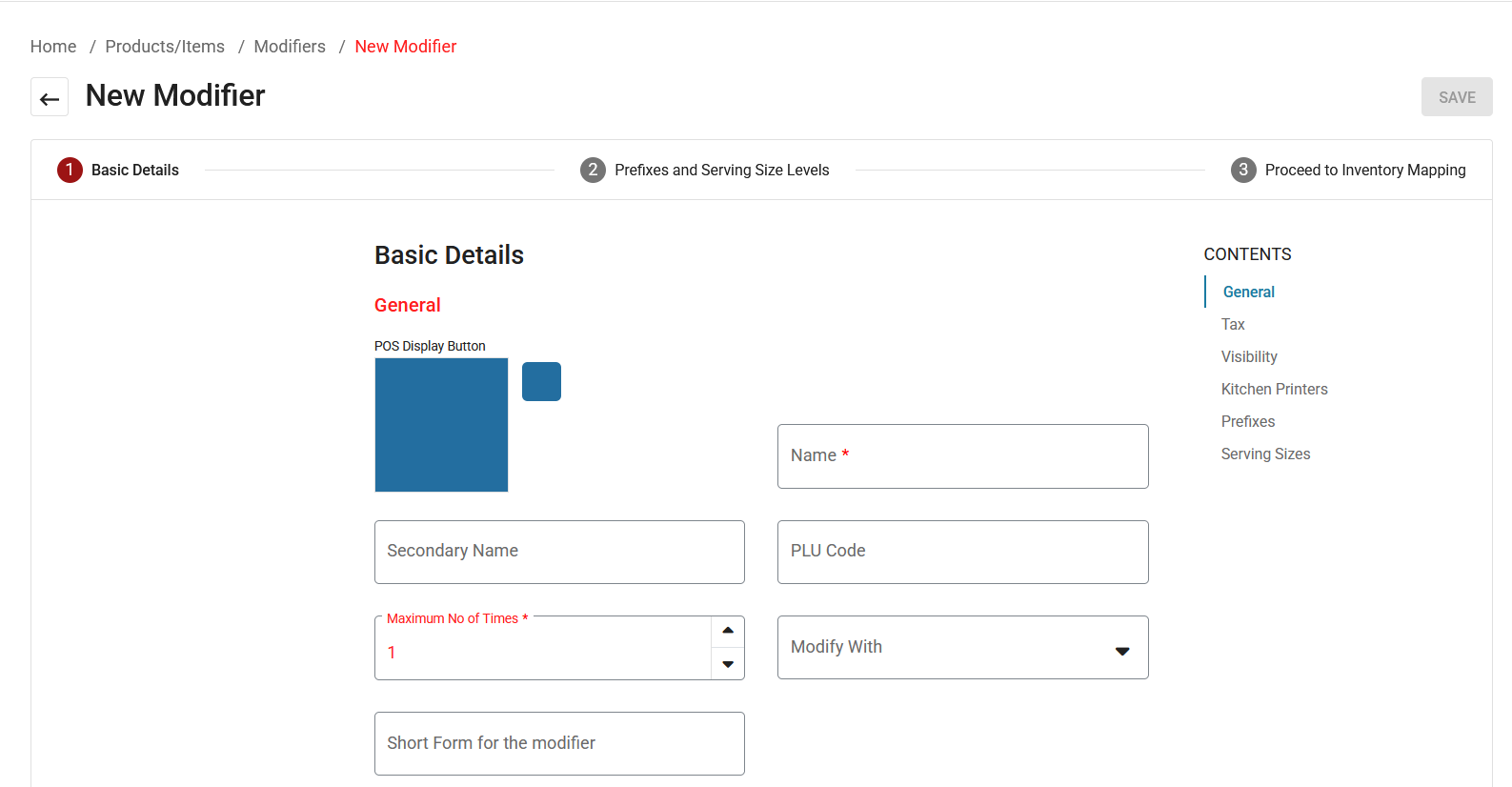
3. Basic Details:
Name (required). Secondary Name, PLU Code, and Short Form are optional.
Maximum No. of Times: how many times it can be added to one item. For example, set 2 to allow double bacon.
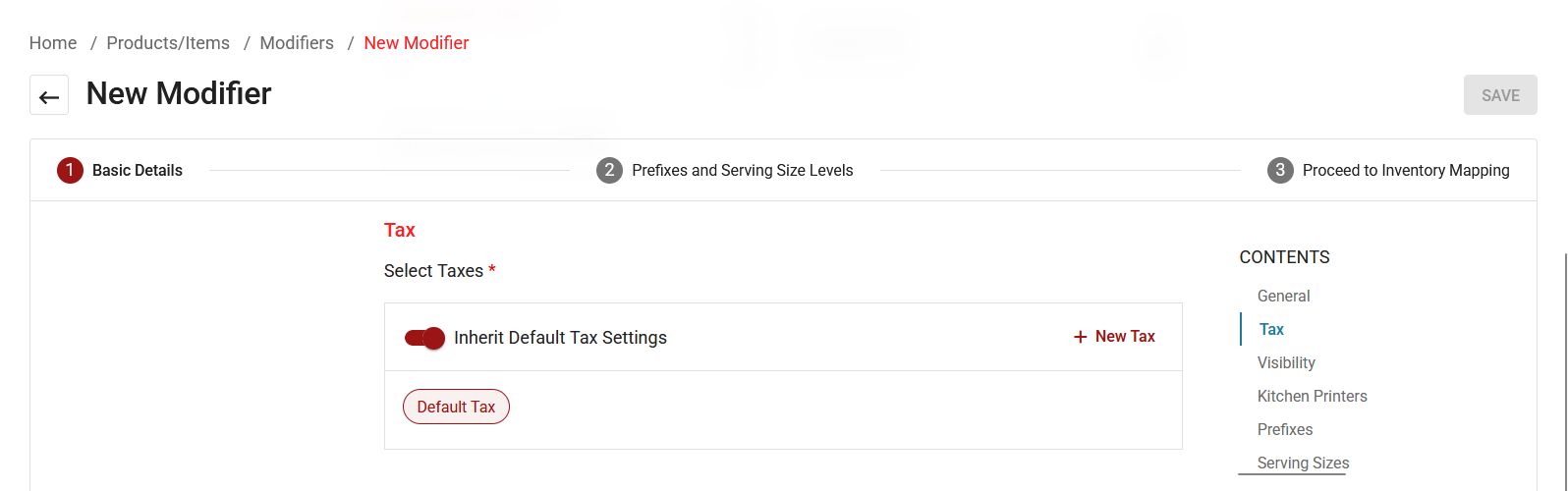
4. Tax and Kitchen Printers use your default settings. Change them only if this modifier needs something different.
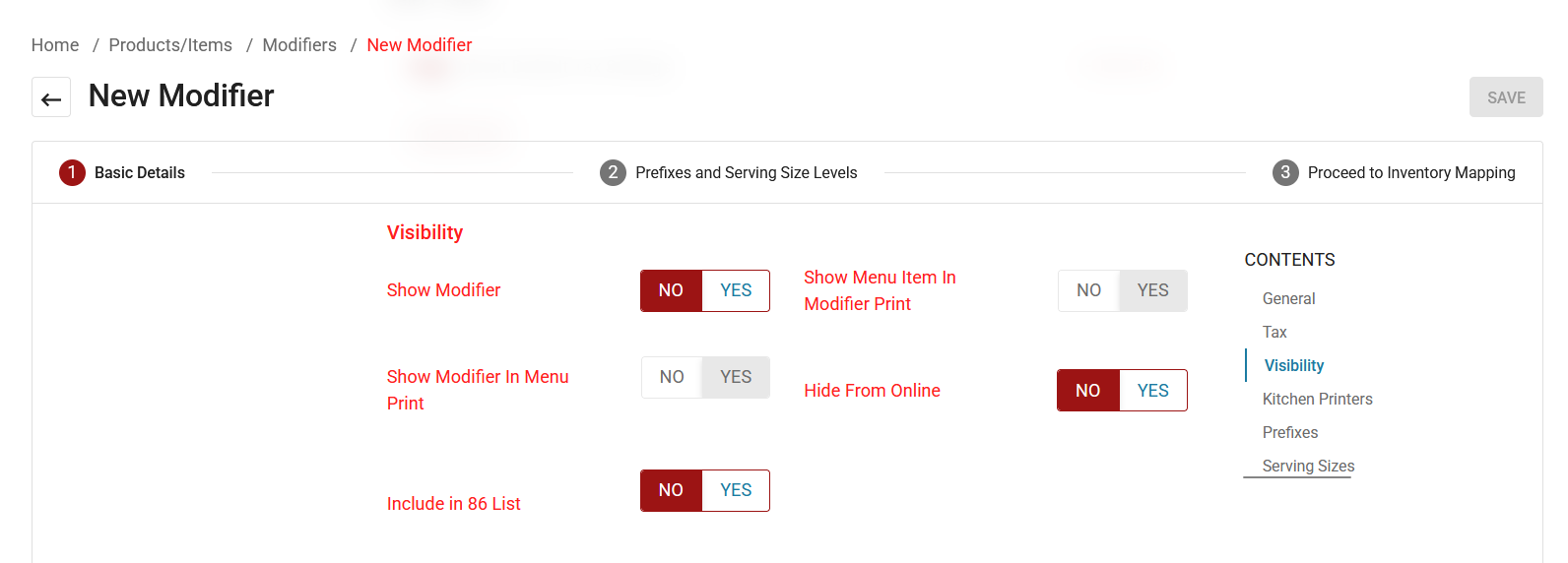
5. Visibility: choose where the modifier appears: POS, online ordering, printed tickets, and the 86 list.
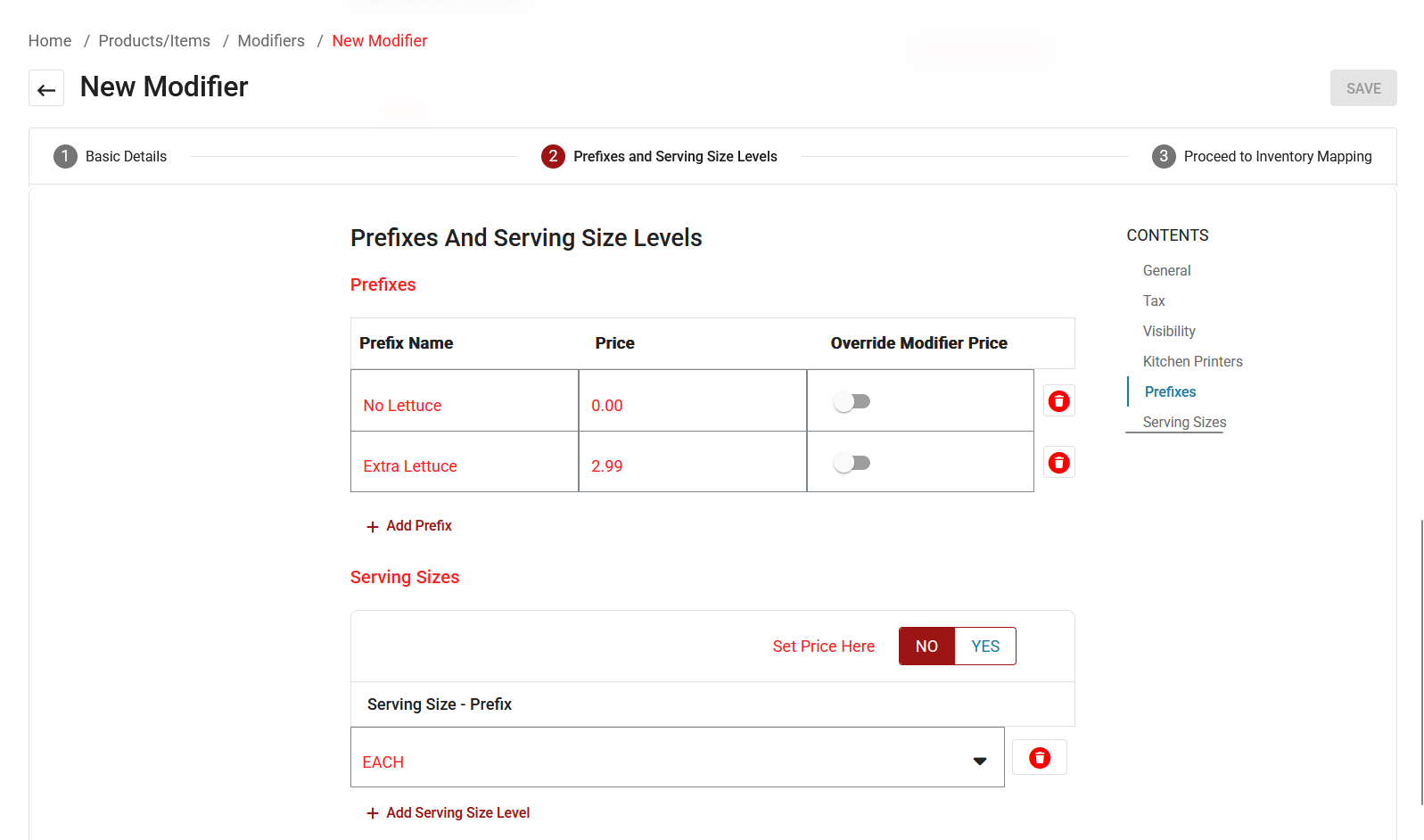
6. Optional: Prefixes and Serving Size Levels. Add prefixes, or set a price per serving size here. (Usually the price is set on the modifier group instead. See below.)
7. Click Save in the top right.