
How to Create a Menu Sub-Category
Sub-categories divide a category into smaller groups. For example, Drinks can have Sodas, Beer, and Wine.
Before you start:
The sub-category needs a category to belong to. See How to Create a Menu Category.
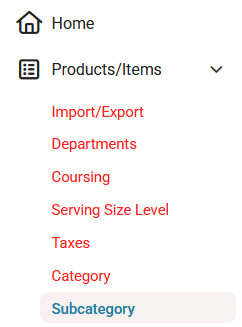
1. In the side menu, click Products/Items, then the Sub Categories tab.
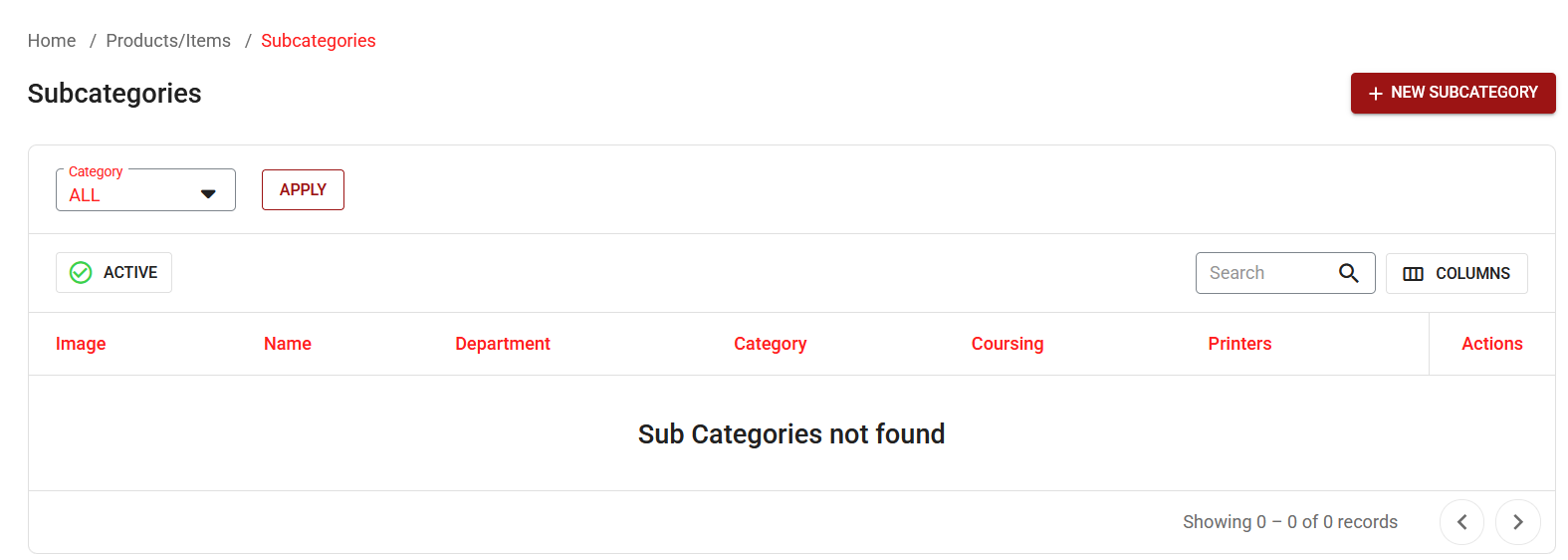
2. Click + New Subcategory to create a new one. To change an existing one, click Edit under Actions.
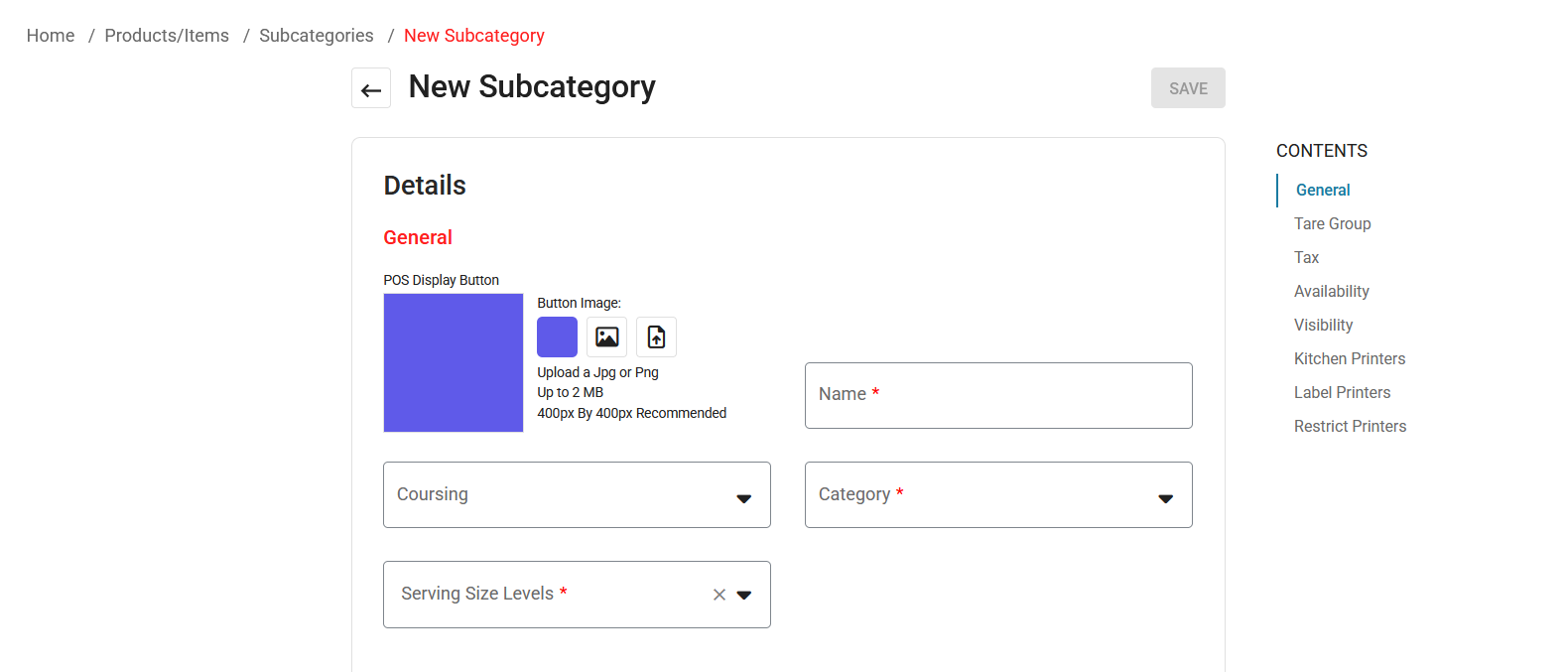
3. Fill in the details:
Name
Coursing (optional)
Category: make sure it's assigned to the right one
Serving Size Levels: every size the items in this sub-category might use
4. Click Save or Update when you're done.
⚠️ Same rule as categories:
If a serving size isn't added here, you won't be able to choose it for items in this sub-category.