
How to Add Employee Roles
Roles control what each employee can see and do, like whether a server can issue refunds or open the Back Office.
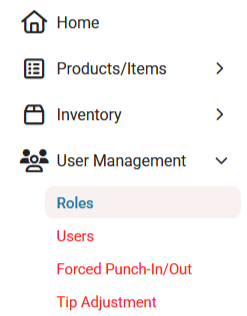
1. Go to User Management → Roles.
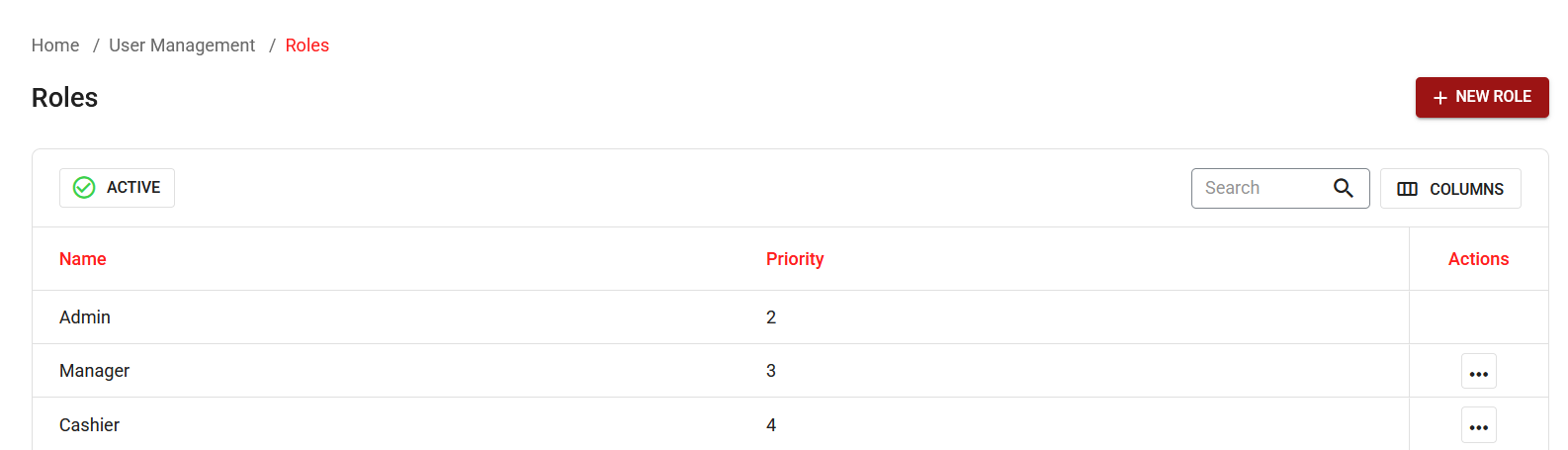
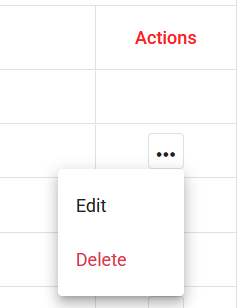
2. Click + New Role to create a new role. To change an existing one, click on pencil icon.
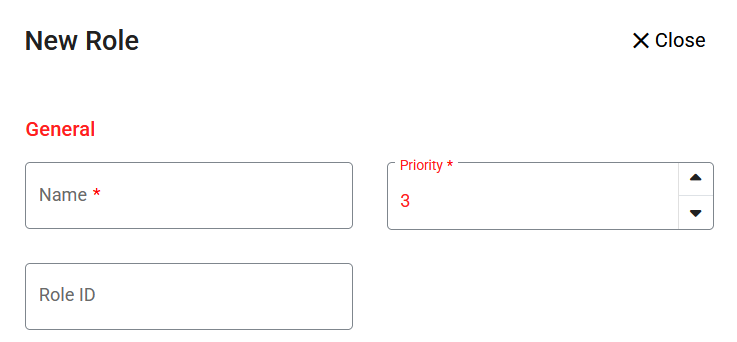
3. Give the role a name and priority level. Role ID is optional.
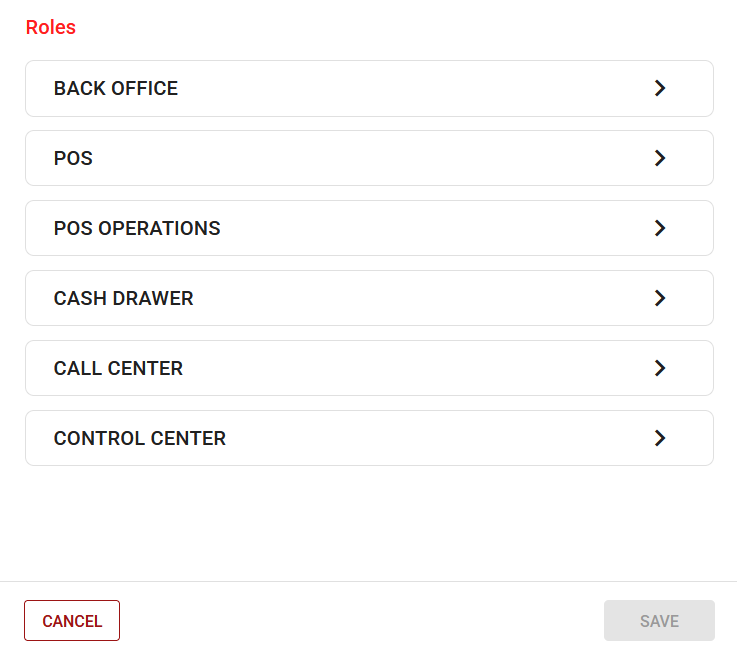
4. Set the permissions. Click each section to see its options:
Back Office
POS and POS Operations: mostly Front of House actions
Cash Drawer
Call Center
Control Center
5. Click Save or Update to save.