
Signing in to your MStar POS Back Office
The Back Office is where you manage your menu, employees, and settings. You can open it from any computer or tablet browser.
1. Go to mstarpos.upos.io.
2. Enter the email address and password you were given.
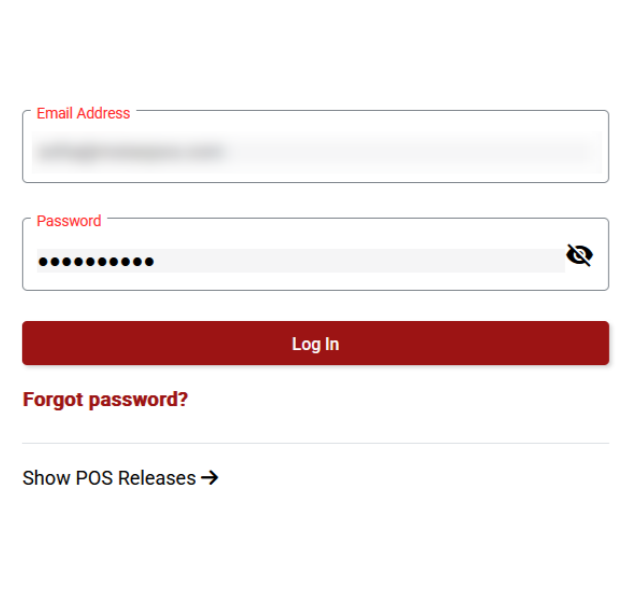
3. Click on Log In.